Subtitle Deduplicator: Cleaner SRT Subtitles for Auto-Generated Captions
🇬🇧 subtitle-deduplicator is a lightweight command-line tool that cleans auto-generated SRT subtitles by removing ghost entries, carry-over lines, and duplicate content.
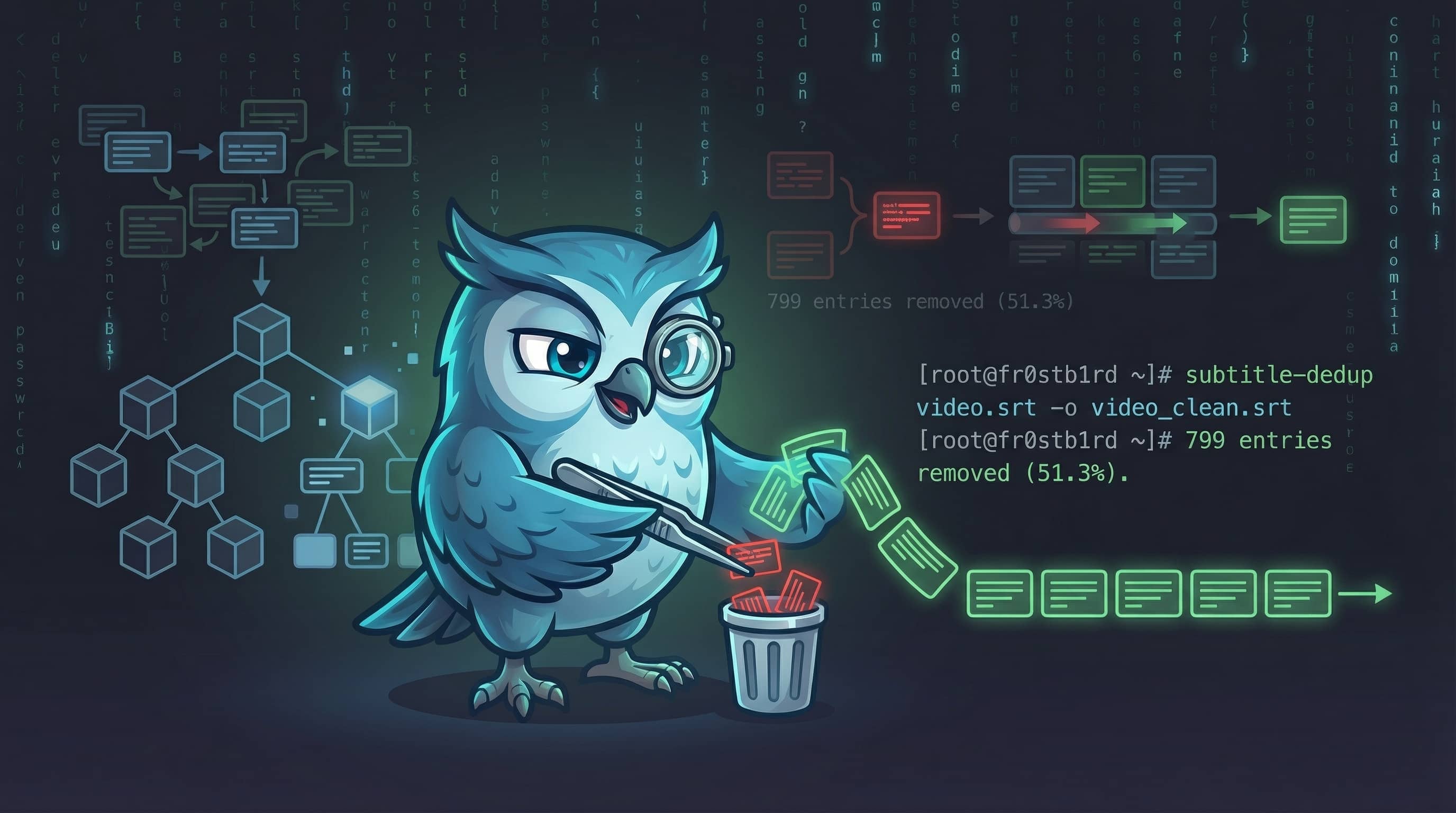
Auto-generated SRT subtitles from platforms like YouTube or transcription models like Whisper are fantastic for accessibility, but they can sometimes turn into a messy “scrolling karaoke” pattern if you want to read them directly. To permanently overcome issues like repeated text blocks, ghost entries, and bloated file sizes, we developed the subtitle-deduplicator tool. | 🇹🇷 Türkçe
Why subtitle-deduplicator?
subtitle-deduplicator 🎬 is a lightweight command-line tool that removes duplicate or “ghost” entries from auto-generated SRT files. It is designed entirely using standard Python libraries, without any external dependencies.
Auto-generated subtitles often contain duplicated entries in a “scrolling karaoke” pattern. Instead of a clean display of text, each real entry shows 2 lines (the previous line plus the new line), and between them are 10ms “ghost” entries that just repeat the previous text.
This behavior roughly triples the file size and makes the subtitles incredibly annoying for human reading or further text processing.
subtitle-deduplicator automates the cleanup of these files, providing a clean, deduplicated, and highly readable SRT output.
Installation
via pip (all platforms)
1
pip install subtitle-deduplicator
Arch Linux (AUR)
1
yay -S subtitle-deduplicator
How to Use?
Using subtitle-deduplicator is straightforward and can be done entirely via the command line:
flowchart TD
    A(["📄 video.srt\n(Auto-generated)"]) --> B["subtitle-dedup video.srt"]
    B --> C{Deduplication\nFilters}
    C -- "Ghost entries (10ms)" --> D[Remove short repeating entries]
    C -- "Carry-over lines" --> E[Remove duplicated lines across entries]
    C -- "Identical entries" --> F[Merge back-to-back same entries]
    D --> G(["✅ video_clean.srt"])
    E --> G
    F --> G
Basic and Advanced Usage
You can instantly clean an SRT file with the default settings:
1
2
3
4
5
6
7
8
# Basic usage (outputs to video_deduped.srt)
subtitle-dedup video.srt

# Specify a custom output file
subtitle-dedup video.srt -o video_clean.srt

# Overwrite the original file directly
subtitle-dedup video.srt --in-place
Additionally, if you are working with files that have different ghost entry durations or unique encodings, you can customize these via parameters:
1
2
3
4
5
# Custom ghost threshold (default is 20ms)
subtitle-dedup video.srt -t 50

# Specify file encoding
subtitle-dedup video.srt -e latin-1
Example Terminal Output:
1
2
3
4
5
6
✔ Deduplication complete!
ℹ Input:               video.srt
ℹ Output:              video_clean.srt
ℹ Original entries:    1559
ℹ Deduplicated:        760
ℹ Removed:             799 (51.3%)
What It Removes
The tool executes a comprehensive filtering procedure to produce a clean SRT file:
| Duplicate Type | Description |
|---|---|
| Ghost entries | Very short duration entries (≤ 20ms by default, typically 10ms) that repeat previous text. |
| Carry-over lines | First line of each entry duplicating the previous entry’s last line in scrolling/karaoke-style subtitles. |
| Identical entries | Back-to-back consecutive entries with the exact same text. |
| Empty entries | Entries containing only whitespace or no actual text content. |
Zero External Dependency Guarantee
One of the project’s strongest aspects is that it doesn’t need heavy external packages. It uses only the Python standard library—no pip install requirements are needed beyond having Python 3.8 or above installed.
Once the deduplication process is completed, your subtitles will be beautifully structured, significantly reduced in file size, and ready to be loaded directly into any media player or video editing software.
Source Code: fr0stb1rd/subtitle-deduplicator
PyPI Package: pypi.org/project/subtitle-deduplicator
AUR Package: aur.archlinux.org/packages/subtitle-deduplicator